
It's 7:15 PM on a Tuesday. Your workshop is closed. A customer just got home, looked at their e-bike, and realized the service is overdue. They pick up the phone and call you.
Nobody picks up. They leave no message. The appointment never gets made.
This happens dozens of times a week for small businesses — not because they're bad at customer service, but because they're a person, not a phone system. FlowCaptain fixes this without replacing the human element. It just handles the scheduling part, automatically, around the clock.
What Actually Happens When Someone Calls
When a customer calls a business running FlowCaptain, they're greeted by an AI voice agent. Not a rigid phone menu — a conversational agent that understands natural language, in German and English.
The customer says something like: "I'd like to make an appointment next week — Tuesday afternoon would be ideal."
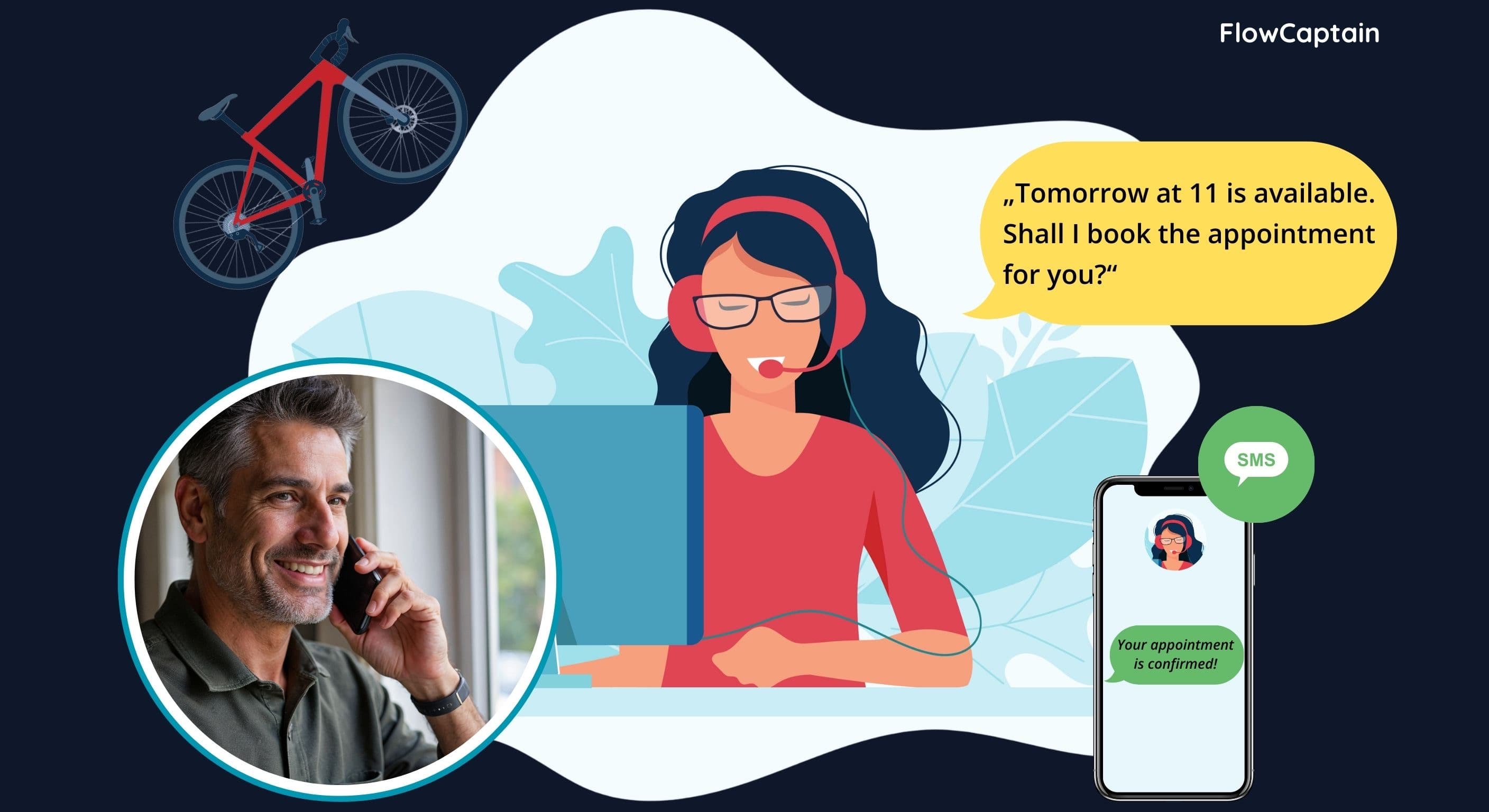
The agent checks your Google Calendar in real time. If Tuesday afternoon is free, it says: "Tomorrow at 11 is available — shall I book the appointment for you?" If it's taken, it offers the next best alternatives automatically.
The customer confirms. The appointment is on the calendar. The customer receives an SMS: "Your appointment is confirmed." And you get an email — so you know about the new booking without having to check your calendar.
That whole exchange takes under two minutes. No hold music. No voicemail. No missed opportunity.
The Three Things FlowCaptain Understands
Most scheduling systems make customers jump through hoops — pick a date from a calendar widget, fill out a form, wait for an email. Voice is different. People speak casually, and FlowCaptain is built for that.
1. Vague time requests "Sometime next week" — FlowCaptain finds the first available slot in that window and proposes it.
2. Specific requests with conflicts "Friday at 2 PM" — if that's taken, FlowCaptain immediately offers two alternatives nearby. It never just says no.
3. The full lifecycle Customers can also call to cancel or reschedule. FlowCaptain recognizes their phone number, finds their appointment, and handles it — without needing to look anything up manually.
Your Calendar Stays Yours
FlowCaptain doesn't replace your Google Calendar. It connects to it. Every appointment booked through the voice agent appears directly in your existing calendar — with the customer's name, phone number, and the service they requested. You manage your calendar exactly as you do today. FlowCaptain just fills in the gaps you weren't there to fill.
Holidays and business hours are respected automatically. No one can book outside your opening hours or on a day you're closed.
Who This Is For
FlowCaptain is built for businesses that run on appointments and don't have the staff (or the budget) for a full reception team. That includes:
- E-bike and bicycle workshops — service bookings, drop-off slots, inspections
- Hair salons and barbershops — haircuts, coloring, styling appointments
- Therapists and wellness studios — session bookings, follow-ups
- Auto repair shops — service dates, pre-assessments, tire changes
If your customers currently call you to book, FlowCaptain makes that call work even when you can't answer it.
The SMS That Closes the Loop
One detail that matters more than it sounds: after every successful booking, FlowCaptain sends the customer an SMS confirmation. No app to download. No email to check. Just a text message that says the appointment is confirmed.
This single step reduces no-shows significantly, because customers have a written record they actually look at.